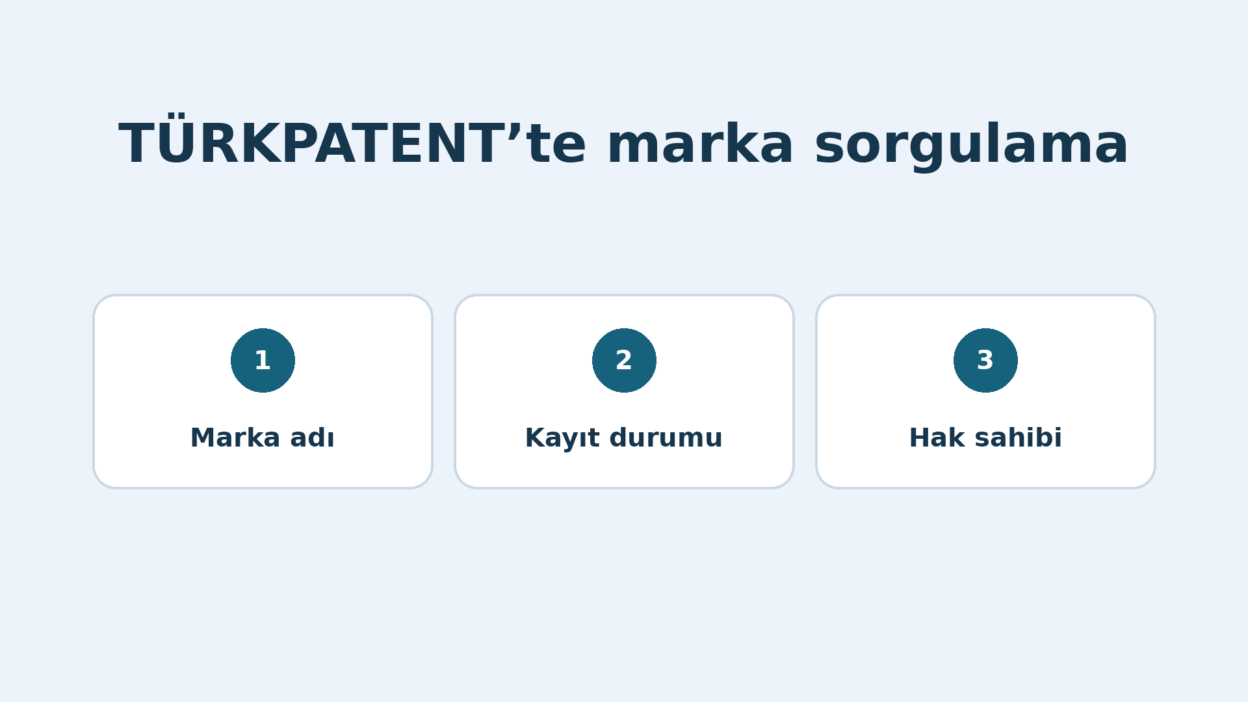
To find out whose name a trademark is registered under in Türkiye, you can use TÜRKPATENT’s Trademark Search screen. The search results include various information like the spelling of the trademark, the applicant, and the registration status. Before concluding ownership from a single result line, it’s necessary to open the related file and see which goods or services the registration covers. This guide explains the steps you can follow from the initial search to saving the results.
At a glance
| Check | Information to be searched |
|---|---|
| Trademark name | Exact spelling and possible variants |
| File information | Application or registration number |
| Party information | Applicant or registered rights holder |
| Status | Application, registration, and any recent changes |
| Scope | Goods and services, along with the Nice classification |
Where to start a trademark search?
Open the Trademark Search section on TÜRKPATENT’s official website. First, try searching the name you’re investigating exactly as you saw it on the packaging, in the app, or on the official trademark page. Since there might be differences in punctuation, spacing, and letters, you may need to do a second search. For example, trying both the separate and combined versions of a two-word name can help you find different applications for the same mark. If the trademark and the company name appear to be different, search for both in their respective fields.
If you have an application number, repeat the search using that number. This makes it easier to get the correct result when there are many files opened with similar names. If only the commercial name is known, it makes sense to start with a broader search and narrow down the results by the record’s subject and owner. If you’re only looking for a shape that appears in a logo, a search using the written name might not show all the shape trademarks.
In the search form, there are options for the brand name: contains, starts with, and equals. For example, if you know the exact name, you can start with the equals option. If you’re not sure about the exact spelling, search using the condition that it contains part of the word. The form also includes an applicant field. When using this, keep in mind that the company’s title might have changed over time. Getting a broad set of results with the brand name first, then doing a second search with the known company name makes it easier to compare results. Searching by bulletin number is useful if you have a specific announcement or publication record on hand.
How can you differentiate between an application and a registration?
After all, seeing a brand name alone doesn’t necessarily mean there’s an active registration on the day you search. Files in the application stage can also be visible in the search results. That’s why you should click on the result line and check the status of the file. The application date may not be the same as the registration date of the mark. For a registered mark, there may also be later changes in the file history.
When you see a company name in the record, pay attention to which line it’s on. The applicant or rights holder is one of the parties in the record. If you see a representative listed, that means they handle the file procedures. If a transfer to another company or a title change is involved, the name of the original applicant may differ from the current record. Taking note of the old and new information side by side prevents you from associating a change with the wrong person or date.
Why is the Nice class checked?
The Nice classification groups the goods and services listed in the trademark file. The term you’re looking for may appear in multiple files with the same spelling. One record might cover clothing items, while another might cover software or restaurant services. In this case, simply finding the same name is not enough. Check whether the product or service you’re looking for is included in the relevant file as well.
After seeing the class number, read the detailed description of goods and services. A class’s general name can be broad. The actual scope of the file is clearer with the terms listed in the application. For example, it wouldn’t be correct to infer ownership rights for all physical products just because a record with the same name is only about retail services. If a result covers a different business area, note it separately and keep searching.
How is a result written and stored?
At the end of the research, note down the brand name, the relevant file number, the party in the record, the status, and the control date together. Transfer the document you reached with a narrow scope. For example, the statement ‘This mark appears to be registered in Türkiye for the relevant goods and services under Company X’ clearly limits the information shown by the source. If you want to explain which group Company X is affiliated with, verify it separately through a corporate report or company portfolio.
A registration in one country does not automatically show all trademark rights in other countries. WIPO searches can provide support for international coverage, and the registry of the relevant country or region can also be checked separately. If you return to the research later, add a new entry with the current date instead of overwriting the previous note. That way, you can compare whether it’s the rights holder line, the file status, or just the company name that has changed. Especially if the sales announcement and the registry record have different dates, evaluate each document with its own date and scope. This approach also prevents confusing a trademark’s establishment date with the application date in a specific country.
Source: TÜRKPATENT trademark search